How to Host Static Site on Cloudflare
Prep Github
-
Create .gitignore file
- add .obsidian, venv/, site/, docs/_site/
-
Create the repository on github
gh auth logingh repo create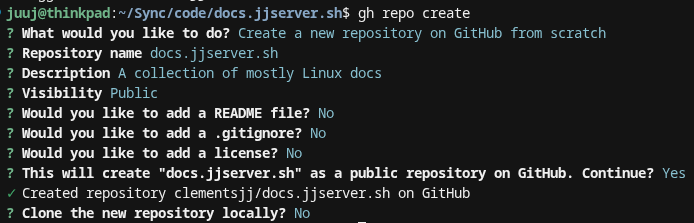
- Add files and push to repo.
Create the Cloudflare Pages Project
Because I am creating a subdomain, I do not have to link the dns servers on Namecheap, so I am skipping that part.
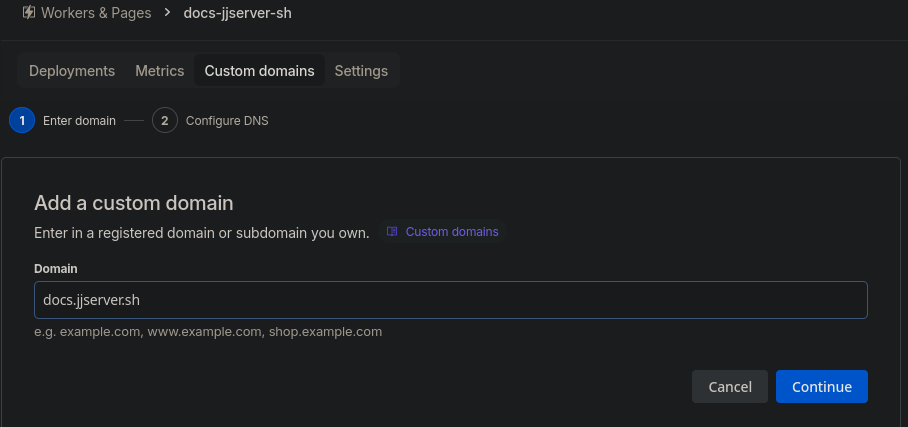
We only need to add a Pages project and a subdomain.
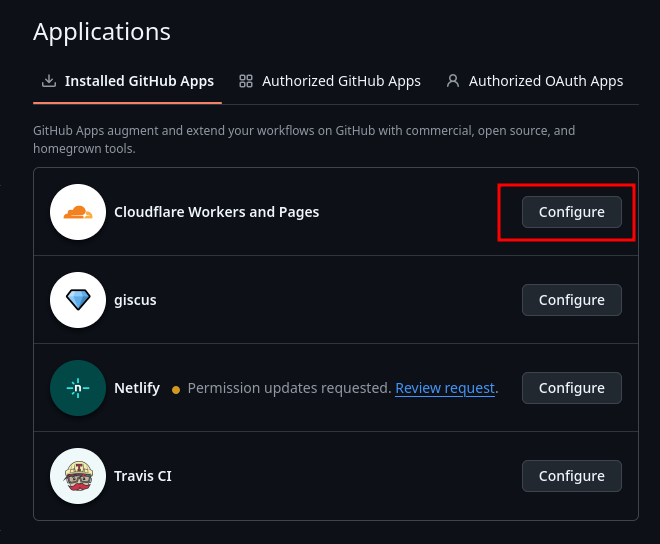
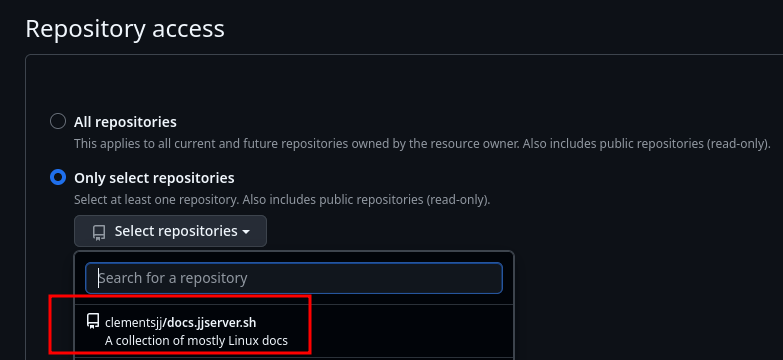
- Open up permissions on github for the repo you want to publish
- Go to https://github.com/settings/installations
- Go to https://github.com/settings/installations
-
Pages Project
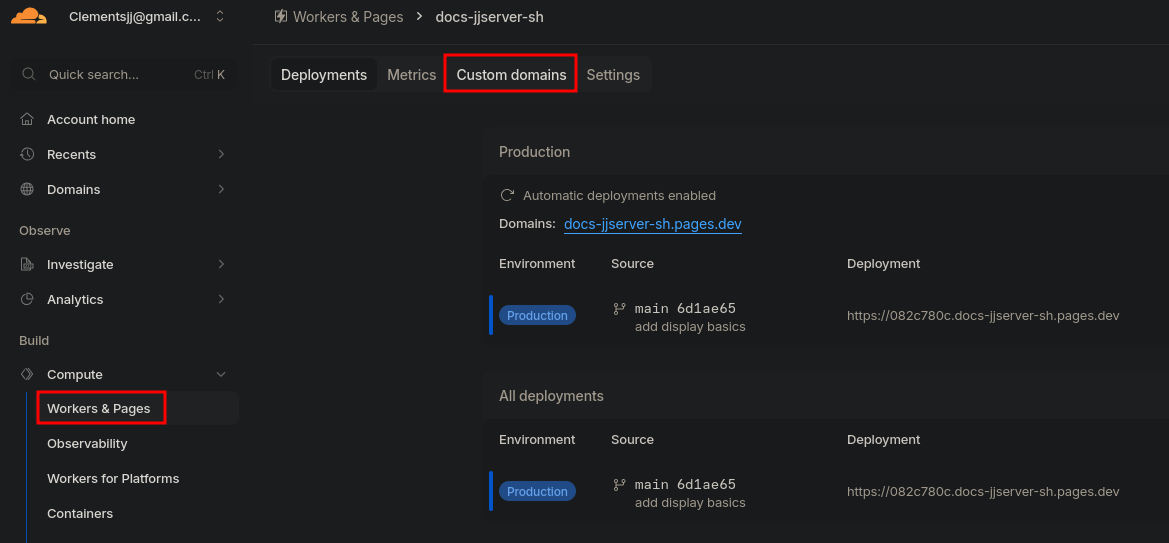
- Login to Cloudflare -> Workers & Pages -> Create Application -> Pages
- Need to go to "classic Pages", not to e confused with "unified workers"
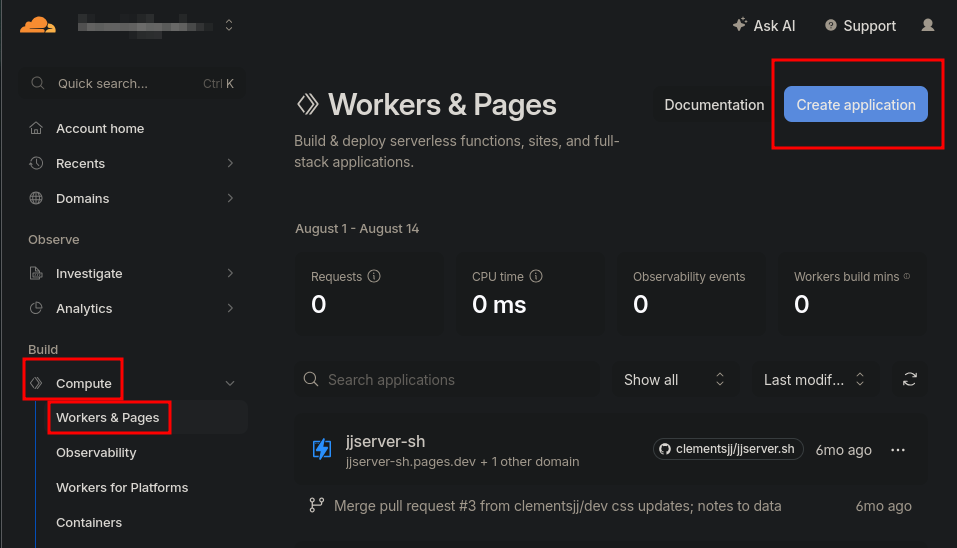
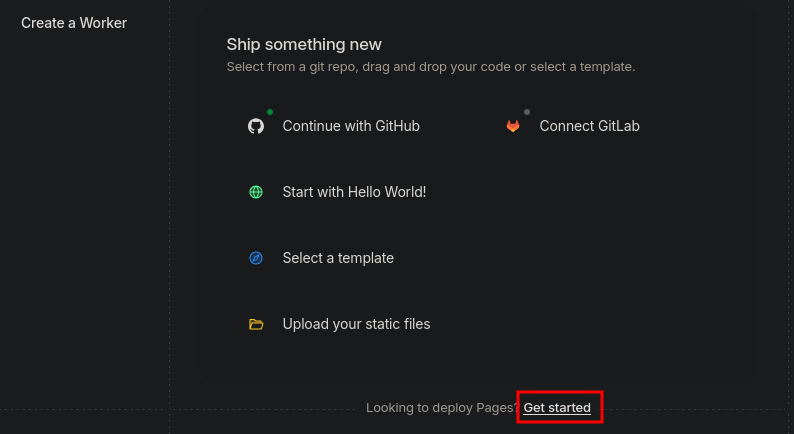
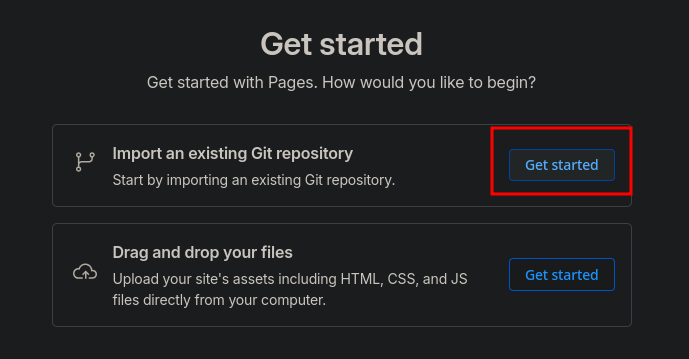
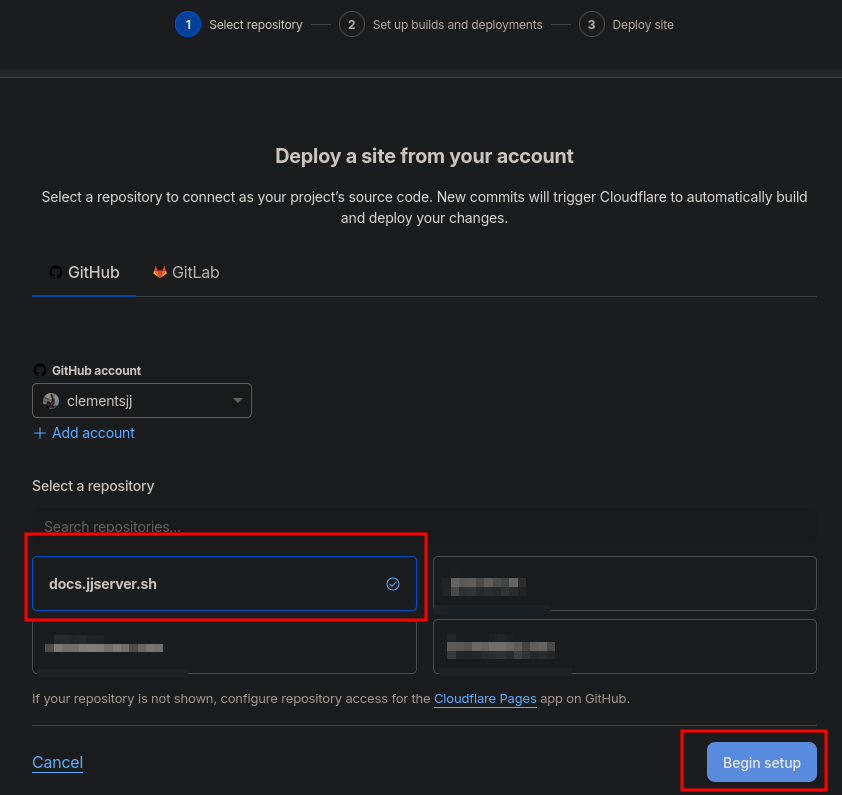
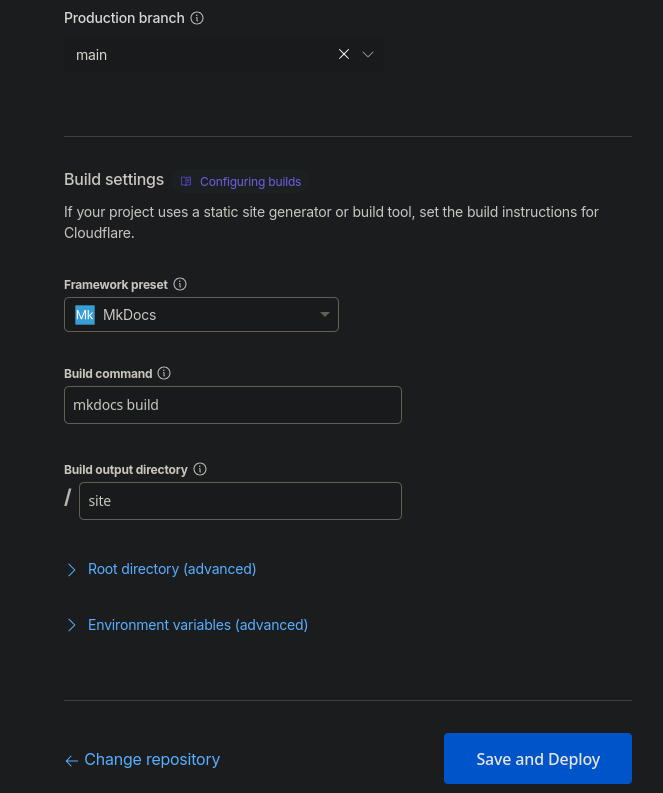
-
Add custom domain